EN
EN

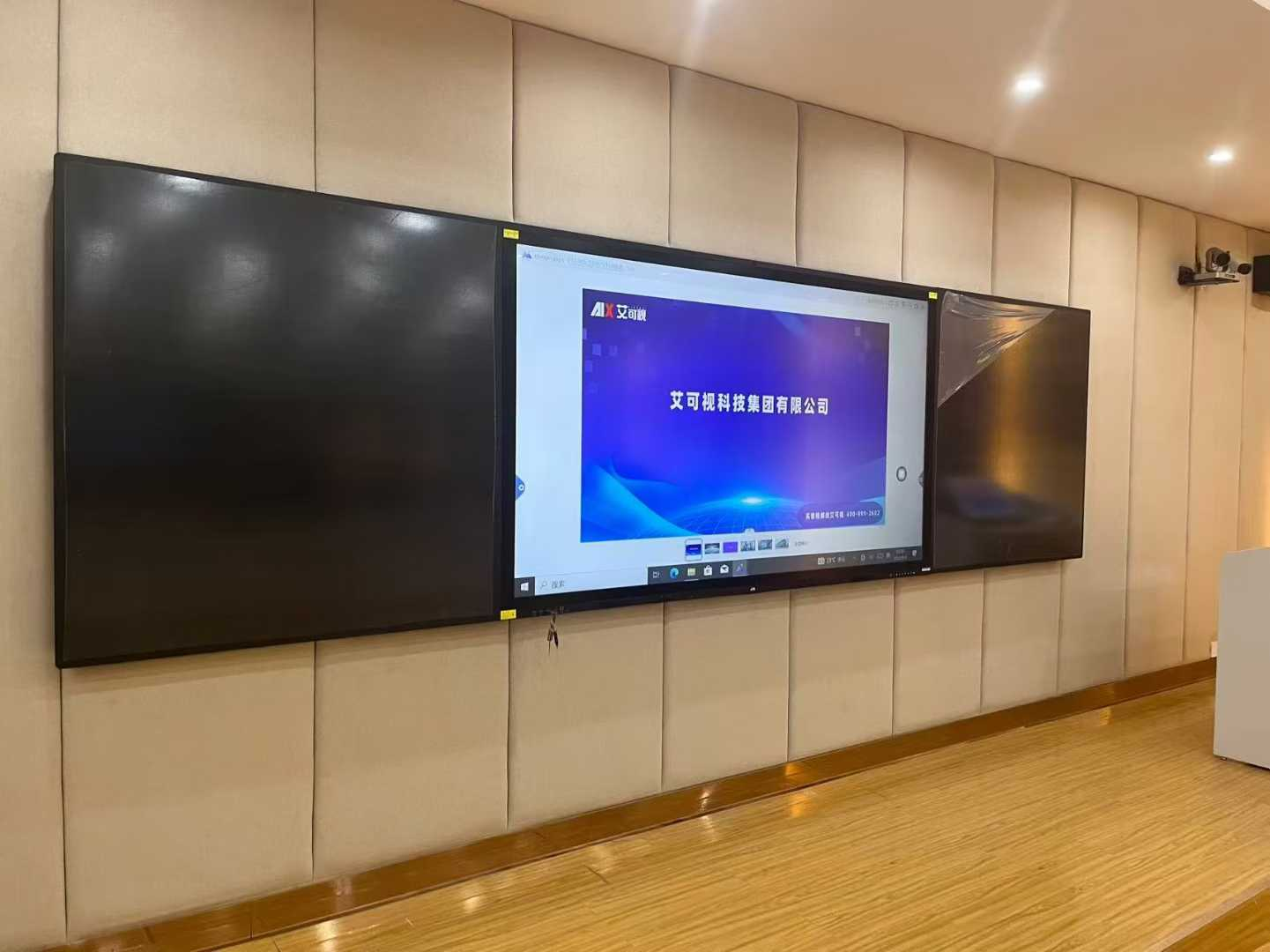
The Role of Interactive Boards in Fostering Active Participation
Interactive whiteboards are changing how kids learn in class, moving them away from just sitting there listening to lectures. With these boards, students can actually touch the screen and move things around - they drag math problems across the board or circle important words while going through lessons. Research suggests that when kids get their hands on stuff during learning, they remember it better, maybe even 40% more than if they just sat there listening all day. Classroom teachers notice something interesting happening too. The old "sit and listen" model is fading fast as most classrooms become places where nearly every student wants to jump in and play with whatever activity is on screen each day.
Interactive Learning Experience: Capturing Attention Across Learning Styles
Modern boards accommodate diverse learners through multisensory features:
- Visual learners benefit from dynamic concept maps and real-time diagram updates
- Auditory learners engage with embedded podcasts and sound-responsive quizzes
- Kinesthetic learners thrive when physically rotating 3D models or tracing geographic borders
A 2023 district-wide study found classrooms using these multimodal strategies reduced off-task behavior by 62% across grade levels.
Data-Driven Insight: 78% Increase in On-Task Behavior with Interactive Technology
Peer-reviewed research from the Institute of Education Sciences demonstrates that interactive board implementation correlates with measurable engagement gains:
| Metric | Traditional Classrooms | Interactive Classrooms |
|---|---|---|
| Average focus duration | 7.1 minutes | 12.6 minutes |
| Lesson recall accuracy | 68% | 83% |
| Voluntary participation | 43% | 79% |
These findings are particularly significant for STEM subjects requiring spatial reasoning practice.
Case Study: Elementary Math Class Using Gamified Quizzes on an Interactive Board
A 4th-grade teacher replaced paper worksheets with interactive fraction challenges:
- Students raced to group equivalent fractions on the board
- Immediate color-coded feedback showed correct/incorrect groupings
- Top scorers designed the next day's warm-up problems
Over 12 weeks, standardized test scores in fractions rose 22% while homework completion rates reached 95% — 18% above grade-level averages. Teachers observed previously reluctant learners routinely volunteering to solve problems publicly.
Promoting Collaboration and Teamwork Through Shared Interactive Displays
Classroom Collaboration Using Interactive Displays for Group Projects
Interactive whiteboards really change how groups work together since they let multiple students contribute at once, sometimes as many as six people at the same time. A recent study found that when classrooms used these shared screens instead of just paper, students were 32 percent less likely to get distracted during group tasks. Take geography classes for instance where kids actually move country shapes around on digital maps while discussing things like traditions and languages. The way they interact this way isn't just fun stuff either it's pretty much how teams operate in real offices today, so students end up getting some serious practice for jobs where teamwork matters most.
Teach Collaborative Problem-Solving Skills Through Real-Time Annotation
Annotation tools that work in real time help make those tough abstract ideas something students can actually get their hands on during group work. Math classes have seen some interesting changes where kids form teams and compete to find solutions, often scribbling different methods across screens with various colors of digital ink. According to teachers who've tried this approach, about twice as many students are willing to go back and fix mistakes compared to regular whiteboard setups. When students literally write over each other's work, it somehow makes giving feedback feel less personal but still keeps everyone responsible for their part of the problem solving process.
Case Study: Middle School Science Teams Co-Creating Diagrams on a Shared Board
Parker Middle School's eighth graders got hands-on with cellular respiration when they started using those big interactive boards in class. Students broke into small groups and spread out their research work over three different screens before combining everything into one comprehensive diagram each group created together. Teachers noticed something interesting too - kids could easily adjust the size of their chloroplast drawings and even switch labels between Spanish, English, and Mandarin depending on what made sense for them personally. After finishing the project, the school ran some quick check-ins with the students. The results? A pretty impressive jump in how well they remembered the material, around 27 percent better than when just reading from textbooks according to a report from the National STEM Education Initiative back in 2023.
Enhancing Teacher Efficiency with Interactive Board Integration
Streamlining Instruction: Using Digital Tools for Lesson Plans
Interactive boards empower educators to design dynamic lessons 43% faster by replacing manual planning with drag-and-drop digital templates. Teachers can align multimedia resources like videos, quizzes, and simulations directly to curriculum standards within planning platforms, reducing redundancies across subjects.
Saving and Sharing Lessons via Smart Boards to Reduce Planning Time
Educators reuse 65% of annotated lessons year-over-year by storing board sessions in cloud libraries. Teams share pre-built activities through centralized portals, slashing duplicate work in departments like math (formula templates) and literature (annotation banks).
Data Point: Teachers Report 30% Time Savings in Daily Instruction Preparation
A nationwide survey of 1,200 K-12 educators found interactive board users regained 4.5 weekly hours previously spent formatting materials. One district documented 22 fewer minutes per lesson spent troubleshooting analog tools like projectors or whiteboard markers.
Incorporating Interactive Boards Into Lesson Plans Across Subject Areas
From graphing equations in algebra to analyzing historical maps in social studies, interactive features adapt to diverse teaching needs. Language arts teachers, for example, project live-editable storyboards where students collaboratively highlight literary devices.
Enriching Lessons with Multimedia and Real-Time Online Content
Displaying Videos and Online Resources in Class to Enrich Content
Interactive whiteboards are changing how classrooms work these days. Teachers can now throw in videos, charts, and even links to websites right inside their presentations. Take geography class for instance. Instead of just talking about tectonic plates, a teacher could show students a moving 3D map along with a short clip from a nature documentary. Makes those complicated earth science concepts much easier to grasp. Some studies claim that when lessons include all sorts of media, kids stay engaged around 60% longer than with plain old textbooks. Not bad numbers. The best part? Visual learners finally get what they need, and everyone gets a better understanding of topics that would otherwise feel abstract or disconnected from real life.
Create Multimedia Presentations That Combine Text, Audio, and Visuals
Interactive whiteboards today give teachers a way to combine all sorts of content - text, pictures, sound bites, even moving images - into one presentation. Imagine teaching about ecosystems in biology class by showing labeled drawings alongside actual rainforest noises and quick videos of animals interacting. Research shows students remember around 80 percent of what they see when multiple senses are involved, compared to just 20 percent reading words alone. The mix of different media really helps drive home important ideas for people who learn best hearing things, seeing things, or doing hands on activities.
Integrating Real-Time Web Content into Live Lessons
Teachers can pull current data from trusted sources during lessons, like overlaying live weather radar maps during a meteorology unit or analyzing breaking news headlines in social studies. This real-time integration helps students draw connections between curriculum topics and real-world events, fostering critical thinking.
Case Study: High School History Lesson Using Live News Feeds and Maps
In a high school history class tackling Cold War topics, students got hands-on with an interactive whiteboard comparing old propaganda films from the 50s and 60s against current news reports on international tensions. The kids marked up digital maps in real time, pointing out where different political ideologies still clash today. One teacher mentioned that almost half the class started participating actively when they could see how past events shaped what's happening now in places like Ukraine or the Middle East. Another instructor noted that students who usually stayed quiet suddenly had something to say once they saw those connections between then and now.
Supporting Diverse Learners Through Customizable Interactive Features
Accommodating Different Learning Styles with Interactive Whiteboards
Interactive whiteboards give teachers a way to show information in different ways at once, which really helps in classrooms where students learn differently. Kids who see things better get to work with moving pictures and notes written right there on screen. Those who listen more can hear explanations built into lessons or catch recordings of classmates talking about topics during class time. For hands-on types, there are activities where they actually move stuff around on screen or play with digital objects that mimic real world items. The whole idea fits nicely with what's called Universal Design for Learning, meaning teachers don't have to stick to one teaching style when some kids just won't get it that way.
Differentiated Instruction Made Practical Through Adjustable Content Layers
Teachers can create tiered content layers within a single lesson using interactive board software. For example, a geography lesson might offer:
- Basic layer: Country labels and climate zone visuals
- Advanced layer: Economic data overlays and demographic comparisons
- Support layer: Pre-recorded vocabulary guides
This flexibility allows students to access content at their readiness level while maintaining whole-class cohesion. Educators report students are 42% more likely to attempt challenging tasks when given adjustable scaffolding.
Using Interactive Tools and Software Features for Special Education Needs
Built-in assistive tools transform interactive boards into inclusive learning stations:
- Text-to-speech functions read aloud instructions for dyslexic students
- Gesture-controlled navigation aids motor-impaired learners
- Color contrast adjustments reduce visual overstimulation
Special education teachers highlight how these features reduce reliance on separate assistive devices, fostering peer collaboration. For instance, students with hearing impairments participate in group problem-solving using real-time captioning of class discussions.
Balancing Technology Use: Avoiding Overreliance While Ensuring Inclusive Access
While interactive boards enhance accessibility, educators must balance screen time with hands-on activities. Structured "tech-free intervals" during lessons maintain engagement diversity, ensuring tools supplement—rather than replace—traditional instruction methods.
FAQ
What benefits do interactive boards offer in classrooms?
Interactive boards enhance student engagement by allowing tactile interaction and accommodating diverse learning styles, leading to improvements in recall accuracy, focus duration, and voluntary class participation.
How do interactive boards assist teachers in lesson planning?
They streamline instructional design by up to 43% with drag-and-drop digital templates, enable reuse of annotated lessons, and reduce preparation time significantly.
What impact have interactive boards had on student behavior?
They have reduced off-task behavior by 62% and increased on-task behaviors by 78% in subjects requiring spatial reasoning and active participation.
How do interactive boards support diverse learners?
These boards offer multisensory features and customizable content layers, facilitating differentiated instruction and accommodating special educational needs through tools like text-to-speech and gesture-controlled navigation.
Table of Contents
- The Role of Interactive Boards in Fostering Active Participation
- Interactive Learning Experience: Capturing Attention Across Learning Styles
- Data-Driven Insight: 78% Increase in On-Task Behavior with Interactive Technology
- Case Study: Elementary Math Class Using Gamified Quizzes on an Interactive Board
- Promoting Collaboration and Teamwork Through Shared Interactive Displays
- Enhancing Teacher Efficiency with Interactive Board Integration
- Enriching Lessons with Multimedia and Real-Time Online Content
- Supporting Diverse Learners Through Customizable Interactive Features
- FAQ